Featured guide
How church presentation software works
What church presentation software does on Sunday: lyrics, scripture, media, and live control — and why the congregation must never see the operator view.
Read the guide →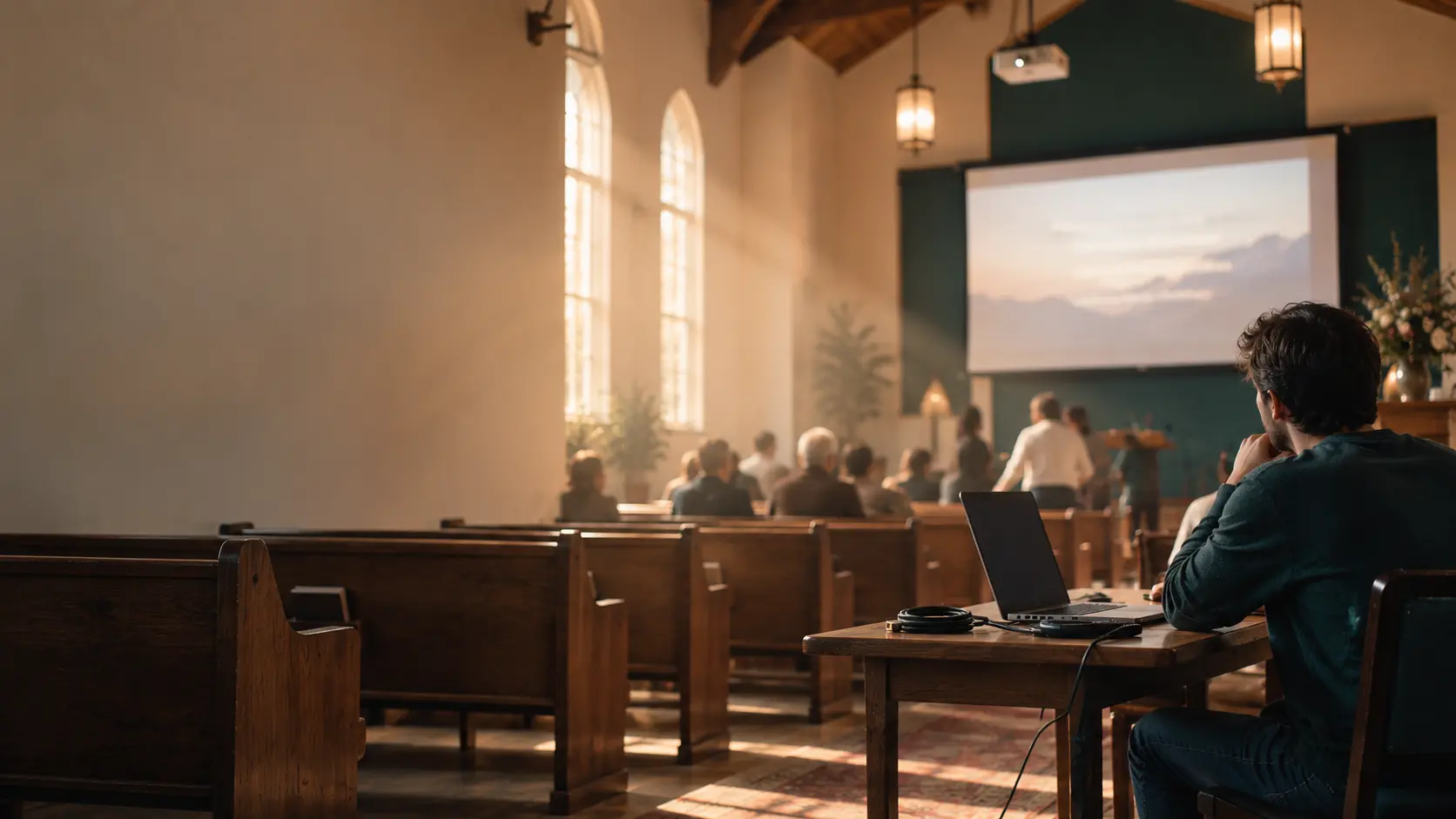
A magazine for Sunday screens
How-to guides, hardware basics, and honest tool roundups — not a vendor homepage.
Featured guide
What church presentation software does on Sunday: lyrics, scripture, media, and live control — and why the congregation must never see the operator view.
Read the guide →From the blog
Our rules for naming church presentation software: compare the field, skip scores, and keep switching pages on vendor sites.
Read the post →Software
A directory of church presentation tools — ProPresenter, EasyWorship, Proclaim, and others — plus how to evaluate lyrics, scripture, and live control without crowning a winner.
Open the directory →Start here
Pick the constraint you actually have: you are still learning the category, you are the only operator, the cable is the problem, or you need to compare names.
How-tos
Lyrics, scripture, announcements, Chromebooks, and what to do when the screen goes wrong.
How churches get worship lyrics onto the projector: arrangement, line breaks, cues, and what the operator needs when the band repeats a chorus.
How to put scripture on church screens: translation choice, verse breaks, readability, and what to do when the preacher skips ahead.
What small churches should optimize for: one volunteer, the computers they already have, and a Sunday that still works if the internet drops.
What to do when the projector, laptop, or clicker fails mid-service — and what to set up the week before so the room does not stall.
What works on a Chromebook for church lyrics and scripture — browser-based tools, HDMI limits, and when you still need a Windows or Mac box.
How to build pre-service and lobby announcement slides: one idea per frame, timing, and how they hand off to worship.
A Saturday-to-Sunday playbook for churches where one volunteer runs lyrics, scripture, and media without a production team — and what to skip so Sunday stays calm.
The signal path from computer to sanctuary: cables, displays, audio from video, sleep settings, and the backups that matter more than software brand.
The field
Nine portraits of the tools churches already meet — what each is good at, and who it is a poor fit for. No scores. No winner.
A deep multi-screen live surface when the room actually uses more than one output.
Read the profile →A long-running Windows booth tool rooms already know how to click.
Read the profile →An approachable Windows live view for a familiar mid-size Sunday.
Read the profile →A shared cloud library so more than one person can prep during the week.
Read the profile →No license fee: free, open-source church slides if you will self-support.
Read the profile →Built for church services rather than an office slide deck.
Read the profile →Already on the church computer if you have Office.
Read the profile →Shared links and Chromebooks without installing booth software.
Read the profile →Browser-based slides for smaller teams, including Chromebooks.
Read the profile →Category maps
The directory is the field. These two pages are the slices people ask for next.
A category look at free and low-cost church slide tools — capability, support, and the volunteer time that replaces a license.
What web-based church presentation tools change: Chromebooks, shared libraries, and what happens when the network drops.